
SHARE WITH CARE
Prepare your creation to be shared with care.
Hide faces, whole people, sensitive body areas or licence plates with Privacy Processing, or choose publishing-platform presets with Review Mosaic Processing. Both open from buttons in Video Editing.
Sample after processing
Video Editing after Privacy Processing. Detected faces and similar areas are mosaicked, and Show hidden areas outlines them in green. Add anything that was missed with Hide here too.
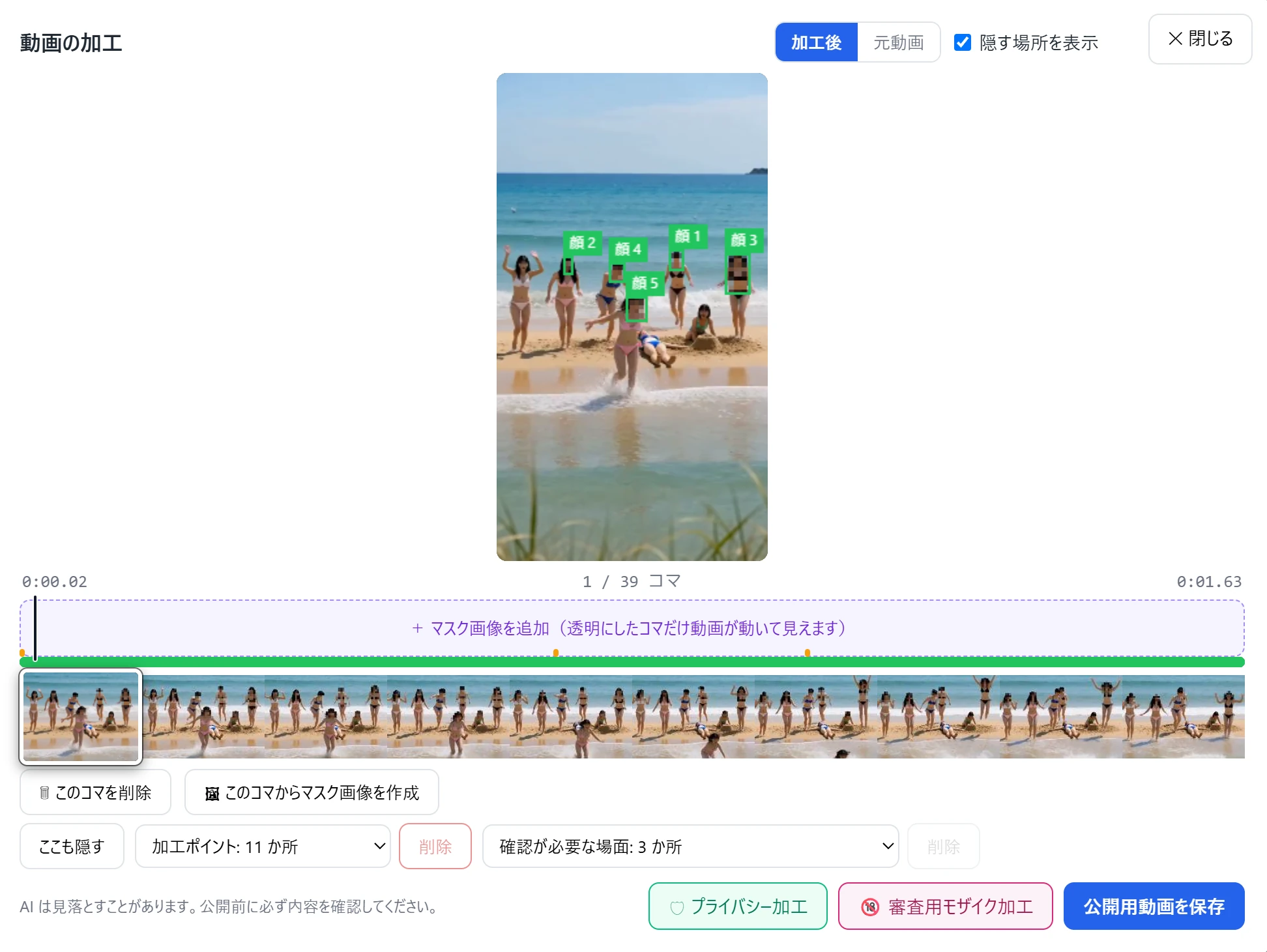
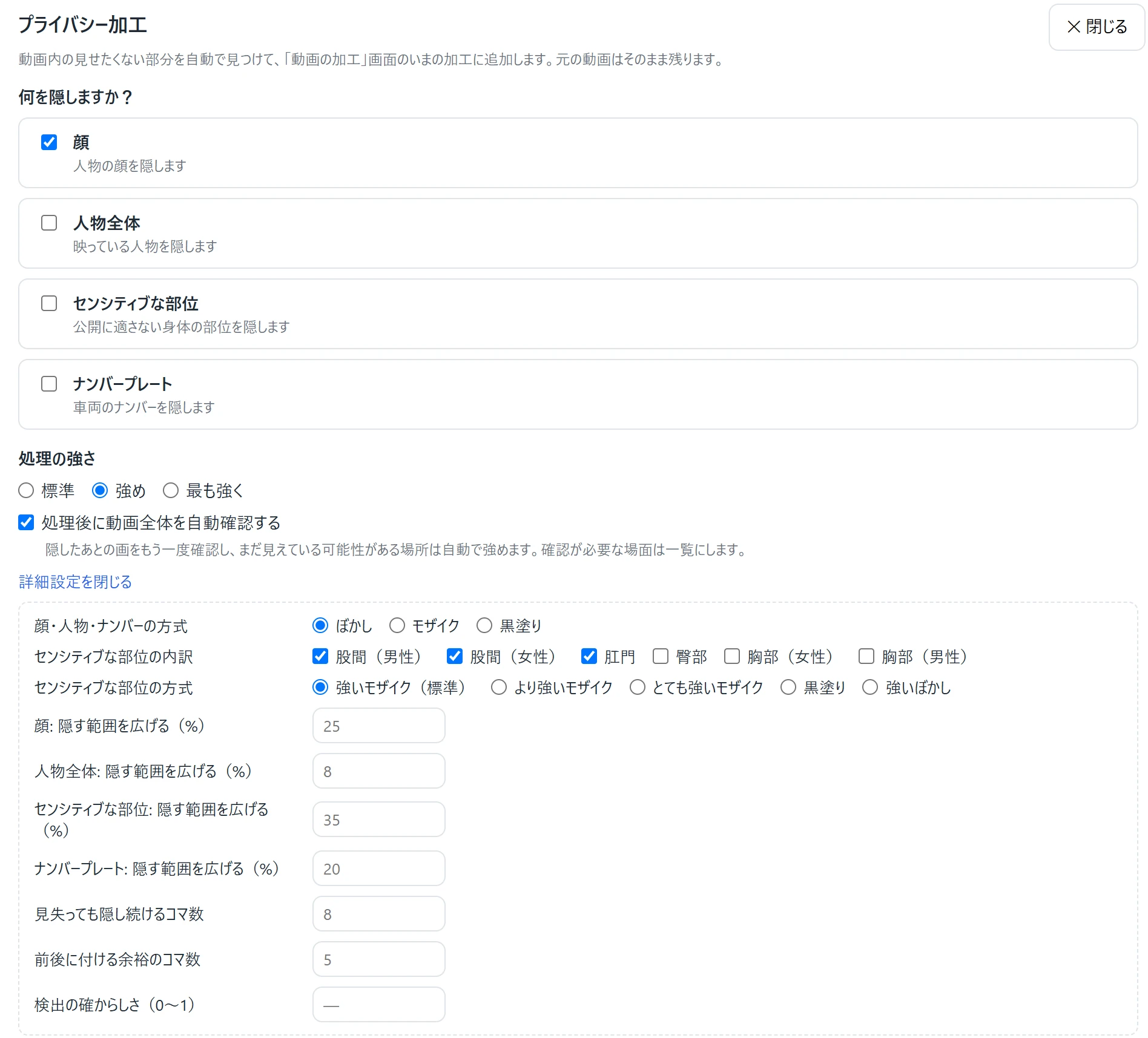
1. Privacy Processing: choose what to hide.
Open Privacy Processing from Video Editing. Select faces, whole people, sensitive body areas or licence plates, choose the processing strength, then start automatic processing. The app searches the whole video for those targets. Advanced settings let you choose methods such as blur, mosaic or a solid black mask.
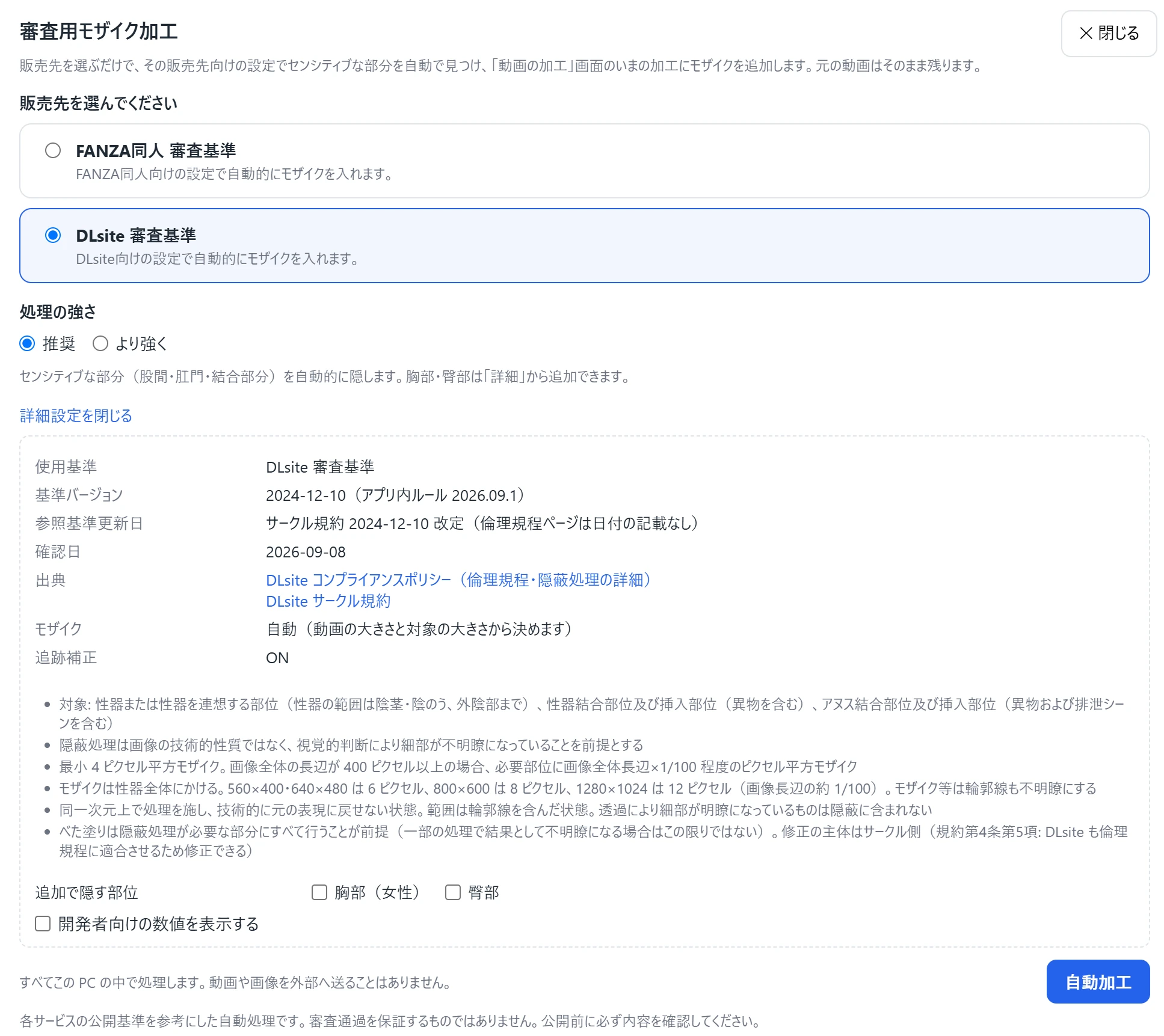
2. Review Mosaic Processing: choose a platform.
Open Review Mosaic Processing from Video Editing. Choose FANZA Doujin or DLsite, select the recommended or stronger setting, then start automatic processing. The app finds sensitive areas and adds mosaic effects. Advanced settings also let you include chest and buttock areas.
- 01
Add to your current edits.
Automatically detected areas are added to Video Editing. You can combine Privacy Processing, Review Mosaic Processing and manually selected areas.
- 02
Check the result yourself.
AI can miss details. Check scenes marked for review and watch the whole video. Review Mosaic Processing uses public guidelines as a reference and does not guarantee approval.
- 03
Keep your original creation.
Processing happens on your PC. After checking the result, save a separate video from Video Editing. Your original remains unchanged.